
Document Management
Generate standard documents from reusable templates
Upload DOC, DOCX or HTML templates with placeholders, answer the required parameters, preview the result and generate controlled documents without starting from scratch.
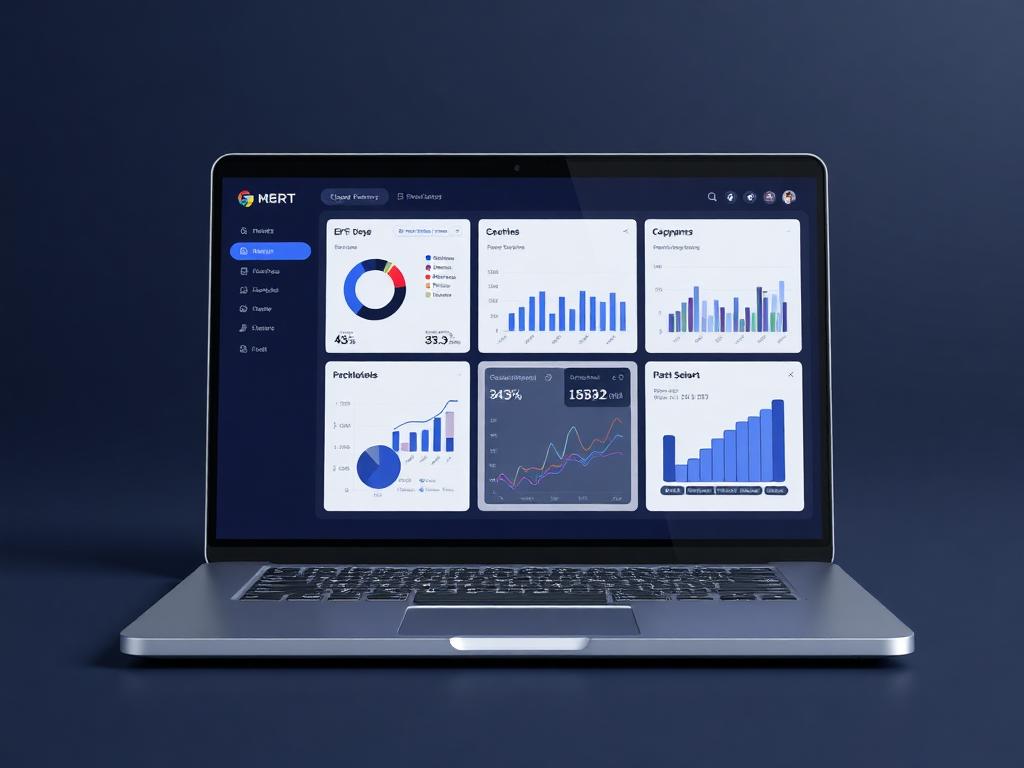
Template generator
Document ready
Live business context
Upload DOC, DOCX or HTML templates with placeholders, answer the required parameters, preview the result and generate controlled documents without starting from scratch.
Why it matters
Templates turn repeated document work into a guided process.
Document Management in Ofisync is built around reusable templates. A team can upload the documents they already use, mark the fields that should change, and generate clean output by filling only the required parameters. Known values can be auto-filled from Ofisync records, so invoices, quotations, receipts, credit notes, letters, agreements and internal documents stay consistent.
Turn approved templates into finished documents faster, with less manual formatting and fewer repeated edits.
Standardize financial, legal, operational and internal documents while still allowing user-provided values at defined placeholders.
Keep generated documents searchable, access-scoped, auditable and ready for workflows, stamps or signatures.
Guided workflow
From setup to daily execution.
Upload the template
Add a DOC, DOCX or HTML template and define the placeholders that should be filled during document generation.
Answer the parameters
Generate the document by answering the parameter questions. Ofisync can prefill known values from linked records to keep names, amounts, dates and references consistent.
Preview, edit and govern
Review the generated document, edit it where needed, apply access scope, tags, workflow, notes, audit tracking and digital credentials such as stamps or signatures.
Template generation fit
Built around placeholders, parameters and controlled output.
A team already has the right invoice layout, quotation format, receipt design, engagement letter or internal document. The problem is the repeated work of copying old files, changing names, replacing amounts, checking dates, fixing formatting and hoping nothing important was missed. Ofisync turns those documents into templates with placeholders, then guides the user through the values needed to generate a clean document.
How Document Management works in practice.
Scenario 1
A team starts with the document format it already trusts
Instead of rebuilding document layouts inside the system, the user uploads a DOC, DOCX or HTML file they already use. This can be an invoice, quotation, receipt, credit note, agreement, letter, report or any other document that follows a repeatable structure.
Scenario 2
Placeholders define what can change
The template contains placeholders for values that should be inserted during generation. These may include names, dates, addresses, invoice numbers, amounts, project references, client details, tax values, clauses or any other parameter the organization wants to control.
Scenario 3
The template becomes a guided questionnaire
When a user generates a document, Ofisync asks for the parameters required by that template. Instead of editing the full document by hand, the user answers focused questions and the system places the answers in the correct positions.
Scenario 4
Known information can be filled automatically
If Ofisync already knows a value, such as a client name, billing amount, quotation number, receipt date or project reference, the system can prefill it. This keeps generated documents consistent and reduces typing mistakes.
Scenario 5
The generated document can be reviewed before use
After generation, the user can preview the document and make allowed edits where needed. This gives the team speed without losing the ability to check content, formatting and context before the document moves forward.
Scenario 6
Access, tags and notes keep the document organized
The generated document can be access-scoped so only the right users can view or act on it. It can also carry tags and notes, where notes combine comments and attachments that explain decisions or add supporting material.
Scenario 7
Search keeps the document register usable
Users can find documents by added by, document status, tag, date opened, date added and other available filters. This makes the document register useful after many templates and generated documents have been added.
Scenario 8
Workflows and digital credentials complete the lifecycle
A generated document can follow a document workflow for review, approval or completion. When required, digital credentials such as stamps and signatures can be applied while the audit log records the important actions across the document lifecycle.
Scenario 9
The generation data remains available
Ofisync keeps access to the parameters used to create the document. Teams can review what values were supplied, understand how the document was produced and maintain accountability when the document changes later.
Template scenarios
Where generated documents save time and protect consistency.
Template scenario 1
Financial document templates
A user uploads the company invoice, quotation, receipt or credit note template. Ofisync uses the defined placeholders to generate the finished document from billing data and any extra answers the user provides.
Template scenario 2
Reusable business documents
Letters, agreements, forms, reports and internal documents can be generated from DOC, DOCX or HTML templates as long as the placeholders and expected parameters are defined clearly.
Template scenario 3
Controlled document approval
After generation, a document can be previewed, edited, tagged, routed through a workflow and completed with digital credentials such as stamps or signatures.
Inside the document workspace
Everything needed to create, review and govern generated documents.
The workspace keeps templates, generated documents, parameters, previews, access scope, notes, tags, workflows, credentials and audit history connected to the same document lifecycle.
Template admins
DOC, DOCX and HTML templates, placeholders, parameter definitions and reusable document formats
Document creators
Parameter answers, auto-filled data, document preview, edits, tags and generated output
Approvers
Workflow stage, access scope, notes, audit log, stamps and signatures
Document lifecycle
What stays attached to each document
Generation flow
Actions Ofisync can prepare from template data
Document view
Template register
Review uploaded templates by format, purpose, placeholder coverage, tags, owner and readiness for document generation.
Document view
Generated document history
Trace the template used, parameter answers, auto-filled values, edits, workflow activity and audit events behind each document.
Document view
Document search
Filter generated documents by added by, status, tag, date opened, date added and other configured document fields.
Connected document modules
Modules that strengthen document generation.
File & Storage Management
Find, preview, organize and share the files attached across clients, projects, users, billing records and other entities from one access-controlled location.
Digital Credentials
Sign or stamp PDF, DOC and DOCX documents directly, or send secure signing and stamping requests to recipients with placeholders, access codes, signing order, tags and audit tracking.
Workflow Automation
Create entity-specific workflows with titles, descriptions, start and end states, stages, decisions, assigned users, notifications, graphical editing, duplication and disabling.
Ready to see it live?
Walk through Document Management with an Ofisync specialist.
We will map the demo around your business workflow, show the connected modules and help you identify the fastest path to rollout.