
HR & Payroll
People operations with payroll control
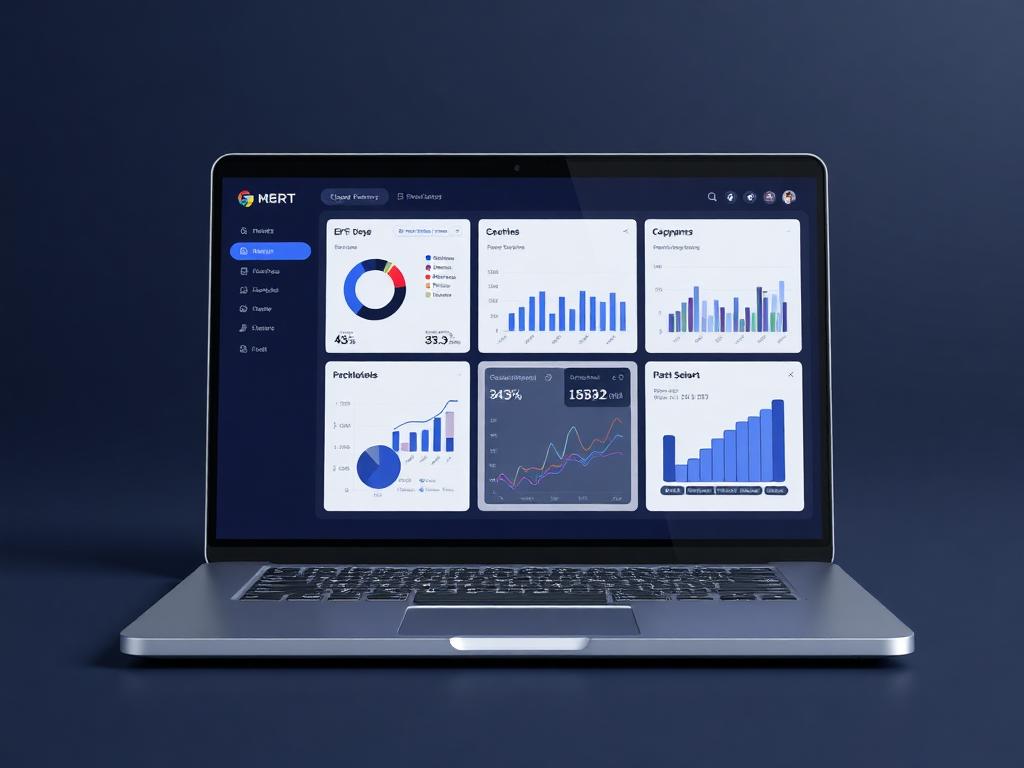
Manage staff records, departments, branches, leave, attendance, shifts, payroll runs, payslips and employee self-service from one governed people workspace.
People operations
Payroll inputs ready
Live business context
Manage staff records, departments, branches, leave, attendance, shifts, payroll runs, payslips and employee self-service from one governed people workspace.
Why it matters
Built to make the next step obvious.
HR & Payroll is planned to connect the full employee lifecycle to the records and approvals that already exist in Ofisync. The goal is to make people operations structured, auditable and ready for payroll without forcing HR teams back into spreadsheets.
Keep employee data, approvals and payroll preparation in one controlled flow.
Let staff submit routine requests without creating HR email backlogs.
Make payroll inputs traceable through attendance, leave, roles and approvals.
Lifecycle
Hire to exit
Payroll
Controlled
Self-service
Portal
Guided workflow
From setup to daily execution.
Build the employee profile
Store employment details, branch, department, role, documents, compensation context and onboarding activity in one profile.
Route HR activity
Send leave, attendance edits, onboarding tasks and staff changes through the right workflow and approval path.
Prepare payroll
Use approved attendance, leave, deductions and benefits to prepare clean payroll runs and employee payslips.
Real workflow fit
Built around the moments your team already deals with.
Payroll delays often start with missing attendance data, leave approvals, or employee changes. Ofisync keeps those inputs connected before payroll day arrives.
Everyday use cases
Where HR & Payroll becomes useful fast.
Use case 1
Monthly payroll prep
Review attendance, leave, deductions, benefits, and employee changes before running payroll.
Use case 2
Employee self-service
Let employees request leave, access documents, and check HR status without manual follow-up.
Use case 3
Onboarding
Create structured onboarding tasks, collect documents, assign equipment, and track completion.
Inside the workspace
Clear views for the people who depend on HR & Payroll.
Each page is shaped around real operational responsibility: what people need to see, what records must stay connected, and what decisions should happen without waiting for another spreadsheet.
HR
Employee records, leave, onboarding, and documents
Finance
Payroll inputs, deductions, benefits, and approvals
Managers
Team attendance, requests, and pending actions
Records kept together
What the module tracks
Useful automation
Actions Ofisync can help move forward
Report
Payroll readiness
Check missing attendance, pending leave, benefits, deductions, and employee changes before payroll is run.
Report
People operations
Track headcount, leave trends, onboarding progress, and pending HR requests.
Connected modules
Explore what works with HR & Payroll.
Workflow Automation
Create entity-specific workflows with titles, descriptions, start and end states, stages, decisions, assigned users, notifications, graphical editing, duplication and disabling.
Role-Based Access
Define roles as collections of access items, assign action-level access rules, hide sensitive entity details and secure critical actions with MFA, audit logs and admin controls.
Accounting & Finance
Connect ledgers, journals, receivables, payables, expenses, reconciliation, taxes and financial statements to the activity that creates the numbers.
Ready to see it live?
Walk through HR & Payroll with an Ofisync specialist.
We will map the demo around your business workflow, show the connected modules and help you identify the fastest path to rollout.