

Inventory & Warehouse
Stock, warehouses and movement under control
Track products, SKUs, batches, serial numbers, warehouses, transfers, reservations, reorder points and valuation from one inventory control layer.
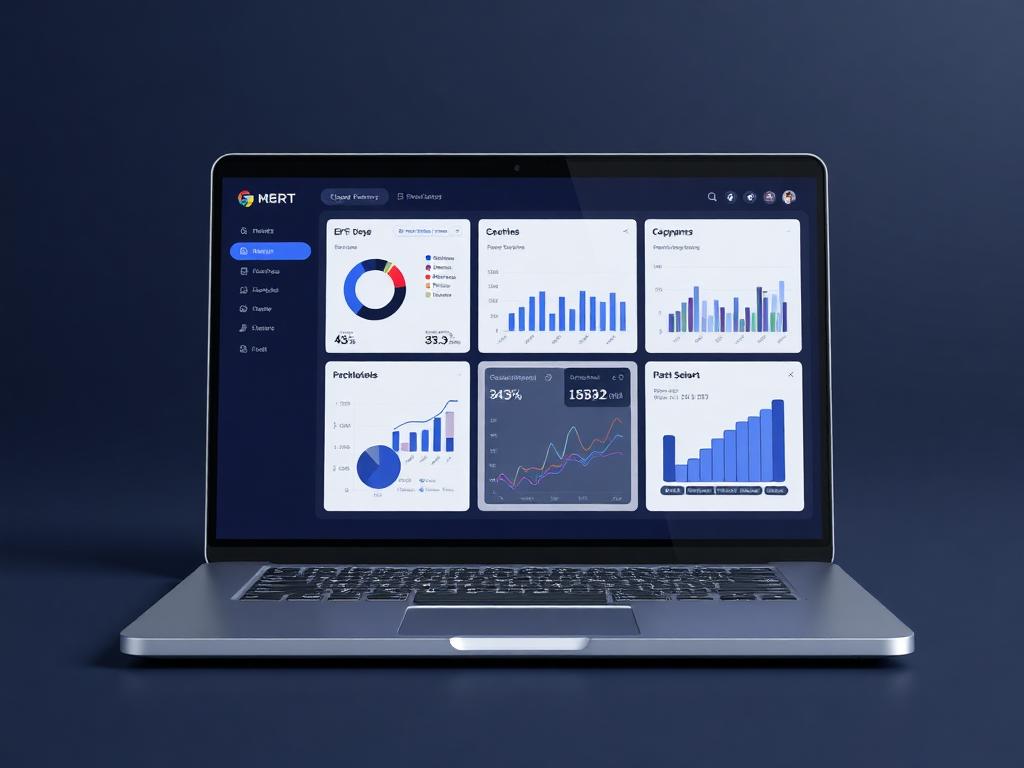
Inventory control
Stock position visible
Live business context
Track products, SKUs, batches, serial numbers, warehouses, transfers, reservations, reorder points and valuation from one inventory control layer.
Why it matters
Built to make the next step obvious.
Inventory & Warehouse is planned to make stock visible where decisions are made. Purchasing, sales, logistics and finance can work from the same availability, movement and valuation context instead of reconciling separate stock lists.
Know what is available, reserved, incoming, transferred or running low.
Reduce stockouts and over-ordering with controlled replenishment signals.
Connect inventory movement to purchasing, sales, logistics and accounting.
Warehouses
Multi-site
Traceability
Batch + serial
Reorder
Rules
Guided workflow
From setup to daily execution.
Model the stock
Set up SKUs, categories, warehouses, units, variants, batches, serial numbers and inventory policies.
Move inventory
Receive goods, reserve items, transfer stock, complete counts and approve adjustments with audit history.
Plan replenishment
Use reorder points, supplier lead times and demand signals to keep the right stock available.
Real workflow fit
Built around the moments your team already deals with.
Inventory & Warehouse matters most when teams need one place to see context, ownership, approvals and status without chasing updates across disconnected tools.
Everyday use cases
Where Inventory & Warehouse becomes useful fast.
Use case 1
Model the stock
Set up SKUs, categories, warehouses, units, variants, batches, serial numbers and inventory policies.
Use case 2
Move inventory
Receive goods, reserve items, transfer stock, complete counts and approve adjustments with audit history.
Use case 3
Plan replenishment
Use reorder points, supplier lead times and demand signals to keep the right stock available.
Inside the workspace
Clear views for the people who depend on Inventory & Warehouse.
Each page is shaped around real operational responsibility: what people need to see, what records must stay connected, and what decisions should happen without waiting for another spreadsheet.
Managers
Inventory & Warehouse status, ownership, exceptions and approvals
Team members
Assigned work, required actions, related records and updates
Leadership
Performance, risk, capacity and cross-module impact
Records kept together
What the module tracks
Useful automation
Actions Ofisync can help move forward
Report
Inventory & Warehouse overview
Track status, owners, pending work, exceptions and outcomes for inventory & warehouse.
Report
Operational exceptions
Surface overdue actions, blocked records, approval delays and items that need management attention.
Connected modules
Explore what works with Inventory & Warehouse.
Procurement & Purchasing
Manage purchase requests, supplier records, RFQs, purchase orders, approvals, receiving, invoice matching and supplier performance.
Sales & POS
Run sales orders, customer pricing, discounts, POS checkout, receipts, returns and payment tracking connected to inventory, billing and finance.
Accounting & Finance
Connect ledgers, journals, receivables, payables, expenses, reconciliation, taxes and financial statements to the activity that creates the numbers.
Ready to see it live?
Walk through Inventory & Warehouse with an Ofisync specialist.
We will map the demo around your business workflow, show the connected modules and help you identify the fastest path to rollout.