Billing Suite
Quotations, invoices, receipts and credit notes in one chain
Create numbered billing documents with custom document types, entity ownership, automated addresses, templates, multi-currency values, workflows, notes, credentials and linked document progression.
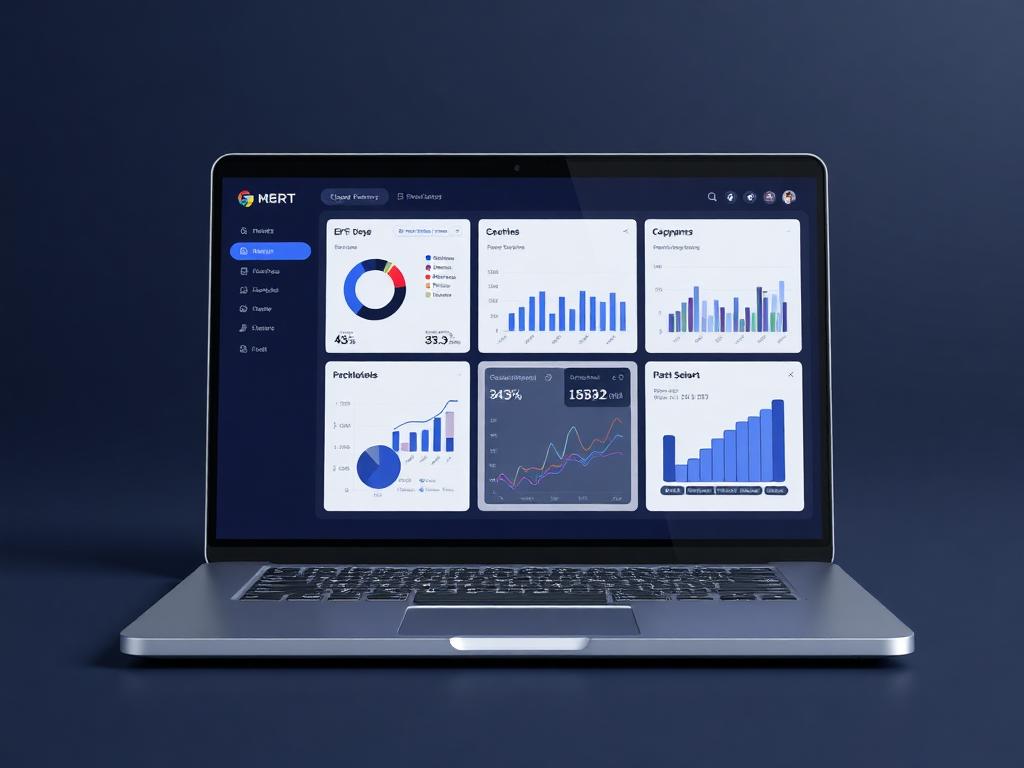
Billing desk
Document chain active
Live business context
Create numbered billing documents with custom document types, entity ownership, automated addresses, templates, multi-currency values, workflows, notes, credentials and linked document progression.
Why it matters
Every billing document knows its type, owner and next step.
Billing Suite in Ofisync manages the full commercial document family: quotations, invoices, receipts and credit notes. Each document can have its own type, numbering pattern, entity owner, assigned user, predefined items, workflow, template, currency, notes and digital credentials, while related documents can be linked from quote to invoice to payment and adjustment.
Generate consistent billing documents faster using predefined invoice, quotation, receipt and credit note items.
Follow the commercial chain from quotation approval to invoice, credit note adjustment and receipt mapping.
Keep each billing document searchable, assigned, access-aware, workflow-ready and connected to the entity it belongs to.
Guided workflow
From setup to daily execution.
Select the billing document
Choose whether the user is creating a quotation, invoice, receipt or credit note, then pick the document type that defines the numbering and business flavor.
Build from entity and items
Link the document to a client, file, project, user or other entity, auto-fill the billing address where available and add predefined line items for faster, consistent billing.
Approve, send and connect
Apply workflow steps, generate the document from the selected template, email it to recipients and link it to related quotations, invoices, credit notes or receipts.
Billing document flow
Built around the commercial path from quote to receipt.
A quotation starts as an offer, becomes an invoice after approval, may be adjusted through a credit note and is eventually matched to a receipt. Along the way, the document needs the right number, type, entity, billing address, currency, template, assigned user, workflow status, notes, signatures and searchable history.
How Billing Suite works in practice.
Scenario 1
The user starts with one of four billing documents
Billing Suite works around quotations, invoices, receipts and credit notes. The user chooses the document they need, then selects the document type that gives it the right business meaning, such as a fee note, DRN or another user-defined variation.
Scenario 2
Numbering follows the document and its type
Each document family can use automated numbering, and document types can also carry their own numbering structure. This keeps invoice numbers, quotation numbers, receipt numbers and credit note references consistent without manual tracking.
Scenario 3
The document belongs to an entity
A billing document can be linked to the entity that produced or receives the billing context. That entity may be a client, file, project, user or another configured record, giving finance a clear path back to the source.
Scenario 4
The billing address can fill itself
When the selected entity already has billing address details, Ofisync can populate the address automatically. The user spends less time copying addresses and the document stays aligned with the entity record.
Scenario 5
Predefined items speed up document creation
Users can select from predefined invoice items, quotation items, receipt items and credit note items. This makes document creation faster, keeps descriptions and values more consistent and semi-automates the data that belongs on the document.
Scenario 6
Templates keep the document presentation under user control
Each billing document can be mapped to a custom template uploaded or defined by the user. This gives the organization freedom to decide how invoices, quotations, receipts and credit notes should look.
Scenario 7
Currency, workflow and assignment shape the process
The module supports multi-currency billing, assigned users and workflows. A workflow can define the steps a document must pass through before it is considered valid and ready to send to the intended recipients.
Scenario 8
Documents can be sent, signed and stamped
Generated billing documents can be emailed directly to recipients. They can also use digital credentials, including stamps and signatures, when the process requires formal validation.
Scenario 9
Related documents stay linked
A quotation can graduate into an invoice, a credit note can adjust the invoice and a receipt can be mapped to the payment. The user can follow the chain instead of treating each document as an isolated record.
Scenario 10
Search keeps billing records manageable
Users can search billing documents by document type, assigned user, added by, entity and creation date. Notes can also keep comments and attachments with the relevant billing document.
Billing scenarios
Where billing documents become faster and more consistent.
Billing scenario 1
Quotation to invoice progression
A quotation can be approved through workflow and then used to create an invoice, keeping the selected entity, billing address, currency, items and commercial context connected.
Billing scenario 2
Document type variations
The same billing family can support document types such as fee notes, DRNs or other user-defined variations, each with its own numbering pattern and template behavior.
Billing scenario 3
Receipt and credit note mapping
A receipt can be mapped to the invoice it settles, while a credit note can discount or adjust the related invoice so the commercial chain remains visible.
Inside the billing workspace
A controlled workspace for creating and linking billing documents.
The billing workspace keeps document types, numbering, entity ownership, billing addresses, currencies, predefined items, templates, workflows, notes, credentials, search and email sending connected to the same commercial record.
Finance teams
Invoices, receipts, credit notes, currencies, billing addresses and linked document chains
Sales teams
Quotations, predefined quotation items, assigned users, approvals and email sending
Admins
Document types, numbering structures, templates, workflows, stamps and signatures
Billing records
What stays attached to each document
Commercial movement
Actions Ofisync can prepare from billing activity
Billing view
Billing document register
Search quotations, invoices, receipts and credit notes by document type, assigned user, added by, entity and creation date.
Billing view
Document chain
Follow a quotation into its invoice, see credit note adjustments and map receipts to the related payment record.
Billing view
Item consistency
Review predefined invoice, quotation, receipt and credit note items used to generate billing documents faster and more consistently.
Connected billing modules
Modules that support billing document flow.
Client Management
Create flexible client records with custom fields, workflows, access rules, documents, events, notes, audit logs, projects and billing context in one place.
Accounting & Finance
Connect ledgers, journals, receivables, payables, expenses, reconciliation, taxes and financial statements to the activity that creates the numbers.
Digital Credentials
Sign or stamp PDF, DOC and DOCX documents directly, or send secure signing and stamping requests to recipients with placeholders, access codes, signing order, tags and audit tracking.
Ready to see it live?
Walk through Billing Suite with an Ofisync specialist.
We will map the demo around your business workflow, show the connected modules and help you identify the fastest path to rollout.