

Mobile App
Approvals, records and updates in your pocket
Give teams secure mobile access to approvals, tasks, clients, projects, documents, expenses, calendar events and notifications from iOS and Android.
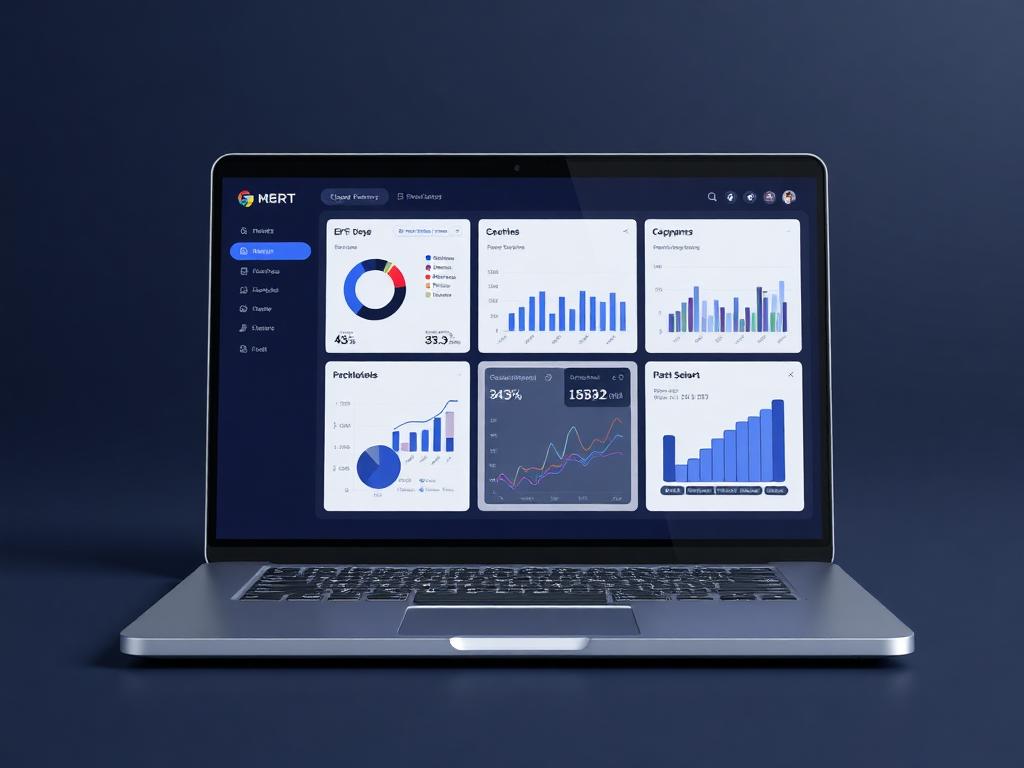
Mobile workspace
Action queue ready
Live business context
Give teams secure mobile access to approvals, tasks, clients, projects, documents, expenses, calendar events and notifications from iOS and Android.
Why it matters
Built to make the next step obvious.
The Mobile App is planned for the work that cannot wait for a desk. Users should be able to review action queues, open records, approve requests, capture updates and respond to notifications while the same role-based rules continue to protect the data.
Let managers approve urgent work without waiting to return to the office.
Keep records moving through notes, attachments and status updates from the phone.
Apply the same access model on mobile that governs the web workspace.
Platforms
iOS + Android
Approvals
Mobile
Security
Role-based
Guided workflow
From setup to daily execution.
Open the daily queue
Review approvals, notifications, assigned work, calendar reminders and important records from a focused mobile queue.
Capture updates
Upload receipts, add notes, attach files, update task status and respond to record activity from the phone.
Sync with control
Apply biometric login, device rules, permissions and controlled sync behavior that matches the main workspace.
Real workflow fit
Built around the moments your team already deals with.
Mobile App matters most when teams need one place to see context, ownership, approvals and status without chasing updates across disconnected tools.
Everyday use cases
Where Mobile App becomes useful fast.
Use case 1
Open the daily queue
Review approvals, notifications, assigned work, calendar reminders and important records from a focused mobile queue.
Use case 2
Capture updates
Upload receipts, add notes, attach files, update task status and respond to record activity from the phone.
Use case 3
Sync with control
Apply biometric login, device rules, permissions and controlled sync behavior that matches the main workspace.
Inside the workspace
Clear views for the people who depend on Mobile App.
Each page is shaped around real operational responsibility: what people need to see, what records must stay connected, and what decisions should happen without waiting for another spreadsheet.
Managers
Mobile App status, ownership, exceptions and approvals
Team members
Assigned work, required actions, related records and updates
Leadership
Performance, risk, capacity and cross-module impact
Records kept together
What the module tracks
Useful automation
Actions Ofisync can help move forward
Report
Mobile App overview
Track status, owners, pending work, exceptions and outcomes for mobile app.
Report
Operational exceptions
Surface overdue actions, blocked records, approval delays and items that need management attention.
Connected modules
Explore what works with Mobile App.
Workflow Automation
Create entity-specific workflows with titles, descriptions, start and end states, stages, decisions, assigned users, notifications, graphical editing, duplication and disabling.
Role-Based Access
Define roles as collections of access items, assign action-level access rules, hide sensitive entity details and secure critical actions with MFA, audit logs and admin controls.
Notifications
Define Email, SMS, WhatsApp and On Screen notification channels, configure company-wide and personal preferences, send memos, and let users act directly from actionable notifications.
Ready to see it live?
Walk through Mobile App with an Ofisync specialist.
We will map the demo around your business workflow, show the connected modules and help you identify the fastest path to rollout.