
Total Customization
Make Ofisync fit how the business works
Create custom workflows, billing templates, editable table views and module-specific inputs so the system follows the business process instead of forcing a fixed way of working.
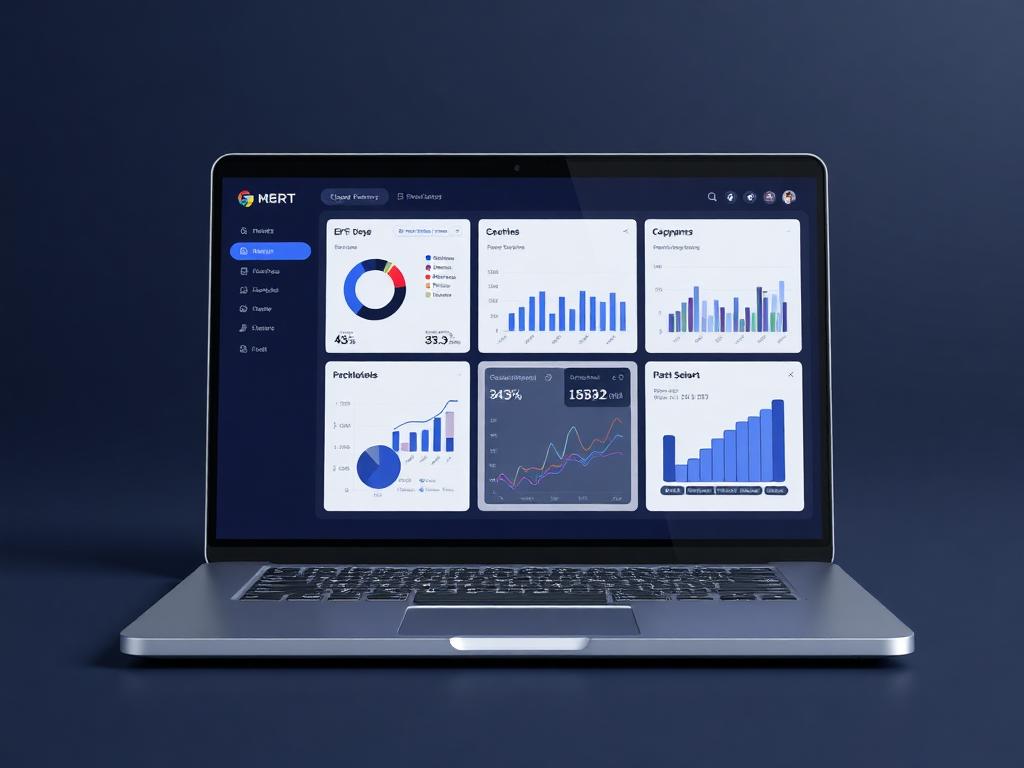
Customization studio
Business fit published
Live business context
Create custom workflows, billing templates, editable table views and module-specific inputs so the system follows the business process instead of forcing a fixed way of working.
Why it matters
The system bends around the business process.
Every organization has its own approvals, billing formats, data fields and views. Total Customization gives admins practical controls to shape workflows, templates, tables and inputs around the way the team already operates.
Let each team capture the fields and details that matter to its work.
Publish workflows and document templates that match existing business processes.
Give users table views that show the right data in the right order.
Guided workflow
From setup to daily execution.
Shape module data
Add custom inputs or adjust existing fields so modules capture the details each team needs.
Configure workflows and templates
Define business workflows and upload custom billing templates for invoices, quotations, receipts and credit notes.
Control how users see records
Set editable table views so users can decide which fields appear and where each column belongs.
Customization fit
Built around configurable workflows, templates, inputs and views.
A business may need a custom client intake field, a project workflow with its own approval stages, invoice templates that match its letterhead and table views that show different columns for finance, operations and management. Total Customization lets the company shape these areas without forcing every team into one rigid layout.
How Total Customization works in practice.
Scenario 1
The business starts by defining what it needs to capture
Admins can add custom inputs to supported modules and adjust existing fields where needed. This lets each module collect the details that matter to the organization instead of forcing work into generic fields.
Scenario 2
Workflows follow the company's process
A team can define custom workflows for approvals, reviews, handoffs or internal checks. The workflow can reflect the real business process, including the states, stages and decisions that matter to that team.
Scenario 3
Billing documents can use company templates
Invoices, quotations, receipts and credit notes can be generated from custom templates uploaded by the user. This keeps billing output consistent with the company's format and presentation.
Scenario 4
Tables show the fields users actually need
Users can configure table views by choosing which fields appear and the column order. A finance user, operations user and manager can each work from a view that makes sense for their responsibility.
Scenario 5
Different teams can work differently in one system
Because inputs, workflows, templates and table views can be configured, teams can keep their own working style while still operating from the same platform.
Scenario 6
Configuration reduces workarounds
Instead of maintaining side spreadsheets, manual document formats or separate tracking tools, the business can bring those needs into Ofisync through configuration.
Scenario 7
The application adapts as the business changes
When the company introduces a new process, changes a billing format or needs a new field, admins can update the configuration instead of rebuilding how the team works.
Customization scenarios
Where flexible configuration keeps teams working their own way.
Customization scenario 1
Custom module inputs
Admins can add custom inputs or modify existing fields in supported modules so the system captures the details required by the business.
Customization scenario 2
Custom billing templates
Finance teams can use their own templates for invoices, quotations, receipts and credit notes so generated billing documents match the company's format.
Customization scenario 3
Editable table views
Users can define which fields appear in a table and where each column sits, making list views easier to scan and more relevant to the task.
Inside customization settings
A workspace for shaping modules around the business.
The customization workspace connects custom workflows, module inputs, editable table views, billing templates and configuration choices so each team can make Ofisync reflect how work actually happens.
Admins
Custom inputs, editable fields, workflow definitions and configuration governance
Finance teams
Invoice, quotation, receipt and credit note templates that match company formats
Operations teams
Editable table views, module-specific fields and process-specific workflows
Configuration records
What can be customized
Configuration movement
Actions Ofisync can prepare from customization changes
Customization view
Customization map
Review configured inputs, modified fields, workflows, billing templates and table views across the workspace.
Customization view
Template usage
See which invoice, quotation, receipt and credit note templates are available for document generation.
Customization view
Table view control
Check which fields appear in important module tables and how each view is ordered for users.
Connected customization modules
Modules that become stronger when configuration is flexible.
Multi-Language & Nomenclature
Support multiple languages, import new language packs and rename fields, modules, table labels, form wording and descriptions so Ofisync matches the language of the business.
Workflow Automation
Create entity-specific workflows with titles, descriptions, start and end states, stages, decisions, assigned users, notifications, graphical editing, duplication and disabling.
Role-Based Access
Define roles as collections of access items, assign action-level access rules, hide sensitive entity details and secure critical actions with MFA, audit logs and admin controls.
Ready to see it live?
Walk through Total Customization with an Ofisync specialist.
We will map the demo around your business workflow, show the connected modules and help you identify the fastest path to rollout.