Multi-Language & Nomenclature
Use the words your teams understand
Support multiple languages, import new language packs and rename fields, modules, table labels, form wording and descriptions so Ofisync matches the language of the business.
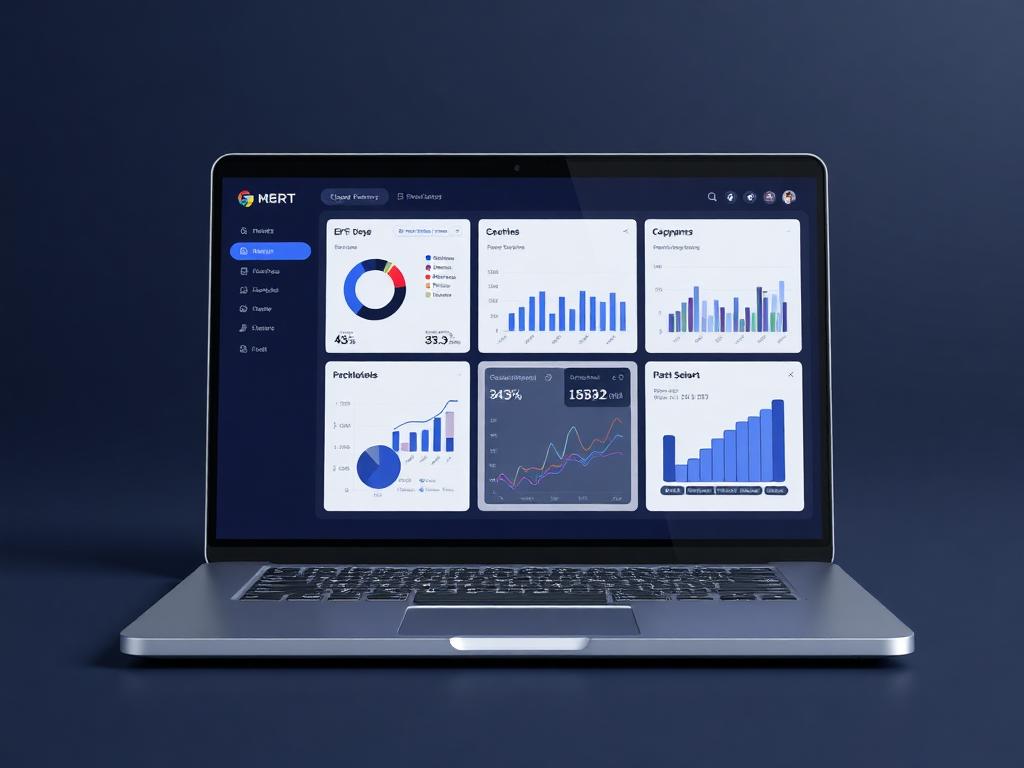
Language console
Terminology published
Live business context
Support multiple languages, import new language packs and rename fields, modules, table labels, form wording and descriptions so Ofisync matches the language of the business.
Why it matters
Every label can speak the language of the business.
Different teams, industries and regions often use different names for the same work. Multi-Language & Nomenclature lets an organization translate the interface and rename system wording so users see familiar terms throughout modules, tables, forms and item descriptions.
Let users work in the language that fits their team, region or customer base.
Replace generic system wording with terms that match the organization's daily work.
Keep forms, tables and module names consistent with internal naming standards.
Guided workflow
From setup to daily execution.
Select or import a language
Choose a supported language or import a new language pack so the workspace can serve users in the language they need.
Rename system wording
Update field names, module names, table labels, form wording and descriptions to match the terminology used by the organization.
Publish consistent terms
Apply the approved language and naming rules so users see the same terms across relevant modules and workflows.
Language and naming fit
Built around translation, terminology and familiar wording.
A law firm may want Projects to appear as Matters, a clinic may want Clients to appear as Patients and a regional office may need the same interface in another language. Instead of training users around generic wording, the company can make the system use terms that already make sense to the team.
How Multi-Language & Nomenclature works in practice.
Scenario 1
The company starts with the language its users need
Admins can select from supported languages or import a new language pack. This gives the workspace a language foundation before the company adjusts more specific terminology.
Scenario 2
Module names can match the industry
The organization can rename modules and major items so the product reflects how the team already talks. Projects can become Matters, Clients can become Patients or Customers and other names can be shaped around the business.
Scenario 3
Fields can be renamed without losing structure
Existing fields can be renamed to make forms easier to understand. The underlying data remains structured, but the visible label can use wording that feels natural to the users entering the information.
Scenario 4
Tables can use familiar column labels
Table headers and item labels can be adjusted so users scanning a list immediately understand what they are looking at.
Scenario 5
Descriptions can explain items in the company's terms
Descriptions and supporting wording can be changed so the interface explains items in the language and terminology used by that organization.
Scenario 6
Forms become easier to complete
Form labels and wording can be tuned around each team's work. This reduces confusion and helps users complete records with less interpretation.
Scenario 7
Naming rules stay consistent across the workspace
Once the preferred wording is defined, the same terminology can appear across connected modules, tables, forms and item descriptions.
Scenario 8
The system stays flexible as language changes
When a company expands into a new region or changes internal wording, language and nomenclature settings can be updated without rebuilding the whole workspace.
Naming scenarios
Where language and terminology make the system easier to use.
Naming scenario 1
Multi-language workspace
A company can support multiple languages and import new language packs so users in different regions can work with familiar interface text.
Naming scenario 2
Industry naming
An organization can rename modules and fields, such as using Patient instead of Client or Matter instead of Project, without changing the underlying workflow.
Naming scenario 3
Clearer forms and tables
Admins can adjust table labels, form wording and item descriptions so data entry screens use language that is clear to the people completing them.
Inside language settings
A workspace for language packs and business terminology.
The language and nomenclature workspace keeps supported languages, imported language packs, renamed modules, field labels, table wording, form text and item descriptions connected to the way each organization wants users to read the system.
Admins
Language packs, published terminology, renamed modules and naming governance
Operations teams
Field labels, form wording, table names and descriptions that match daily work
Regional teams
Language support and familiar wording for users in different locations
Naming records
What can be translated or renamed
Language publishing
Actions Ofisync can prepare from language changes
Naming view
Language coverage
Review the languages available in the workspace, including imported language packs and the areas they affect.
Naming view
Terminology map
See which modules, fields, table labels, form wording and descriptions have been renamed.
Naming view
Naming consistency
Check whether approved wording is being used consistently across modules, forms and list views.
Connected configuration modules
Modules that benefit from familiar language.
Total Customization
Create custom workflows, billing templates, editable table views and module-specific inputs so the system follows the business process instead of forcing a fixed way of working.
Role-Based Access
Define roles as collections of access items, assign action-level access rules, hide sensitive entity details and secure critical actions with MFA, audit logs and admin controls.
Multi-Tenancy
Run each organization on its own database with complete data isolation, then use branches and roles inside that organization when further separation is needed.
Ready to see it live?
Walk through Multi-Language & Nomenclature with an Ofisync specialist.
We will map the demo around your business workflow, show the connected modules and help you identify the fastest path to rollout.