

Multi-Tenancy
Separate organizations, isolated data
Run each organization on its own database with complete data isolation, then use branches and roles inside that organization when further separation is needed.
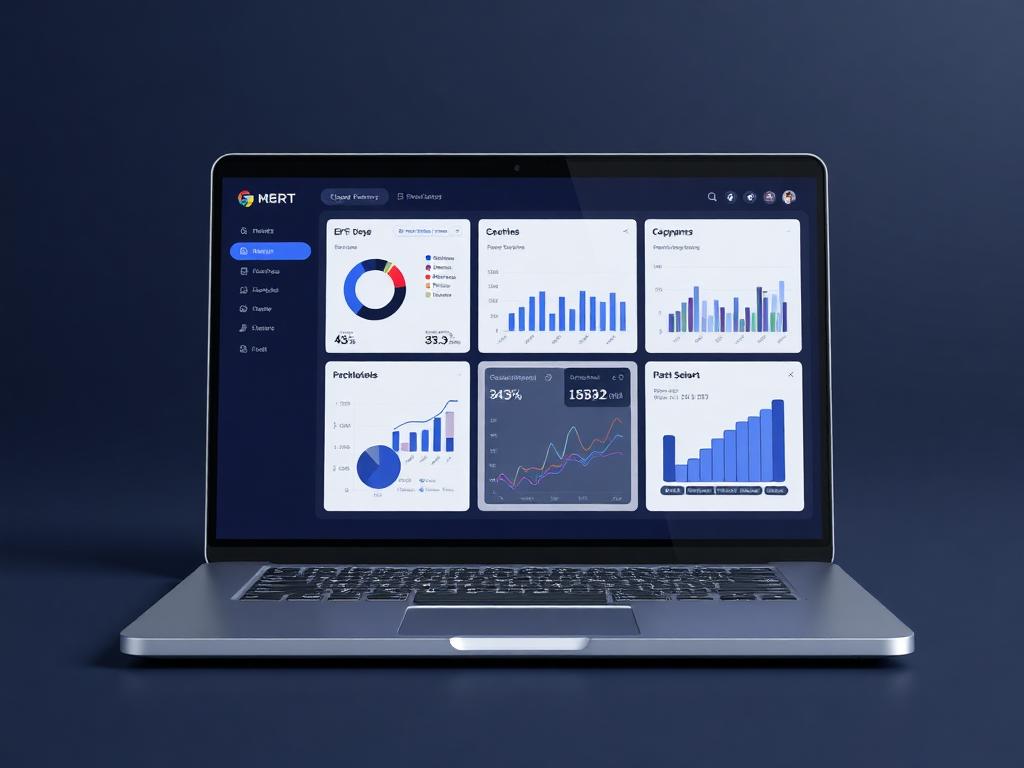
Tenant console
Organization isolated
Live business context
Run each organization on its own database with complete data isolation, then use branches and roles inside that organization when further separation is needed.
Why it matters
Each organization gets its own protected data boundary.
Multi-Tenancy in Ofisync is built around strong separation. Each organization can operate from its own database, keeping records completely isolated, while branches inside the organization can add another layer of structure and access control.
Keep each organization's data fully separated from every other organization.
Let branches operate independently where structure or sensitivity requires it.
Use roles to control who can see organization-wide or branch-specific information.
Guided workflow
From setup to daily execution.
Create the organization space
Set up an organization with its own database so users, clients, files, billing records and other data stay isolated from other organizations.
Add branches when needed
Define branches inside the organization when different offices, teams or operating units need separate working areas.
Scope access with roles
Use roles and access rules to decide who can work across the organization and who should only see branch-specific records.
Tenant structure fit
Built around dedicated databases, branches and role-scoped access.
A group may manage several organizations on Ofisync, but each organization should have its own database and should not share operational data with the others. Inside one organization, branches such as Nairobi, Mombasa or a specialist department may also need separate visibility depending on roles and responsibilities.
How Multi-Tenancy works in practice.
Scenario 1
The organization starts with its own database
Multi-Tenancy begins at the organization level. Each organization can have its own database, which keeps its users, records, files, billing data and operational activity completely separate from every other organization.
Scenario 2
Isolation is not just a label
Because organization data is separated at the database level, one organization's records are not mixed with another organization's records. This creates a clear boundary for security, privacy and operational control.
Scenario 3
Branches add internal structure
Inside an organization, branches can be created for offices, departments, regions or operational units. A branch can act as a further boundary where records need to be scoped more tightly.
Scenario 4
Branch isolation is used where it makes sense
Not every organization needs strict branch separation. Where the business does need it, branch scope can help keep users, clients, projects, files or billing records visible only to the right part of the organization.
Scenario 5
Roles decide how far a user can see
A user may be limited to one branch, allowed to work across selected branches or given organization-wide visibility. Those boundaries are controlled through roles and access rules.
Scenario 6
Managers can have broader oversight without exposing everything to everyone
Branch users can stay focused on their own records while authorized managers or administrators can view wider organization activity when their role allows it.
Scenario 7
All connected modules respect the tenant boundary
Clients, projects, files, billing records, documents, users, workflows and notifications can operate within the organization and branch boundaries defined by the tenant setup.
Scenario 8
The structure can grow with the organization
As the organization opens new branches or changes how teams work, admins can adjust branch structures and roles without weakening the database-level isolation between organizations.
Tenant scenarios
Where isolation keeps organizations and branches controlled.
Tenant scenario 1
Dedicated organization database
Each organization can operate from its own database, keeping clients, projects, files, users, billing records and other data completely isolated from other organizations.
Tenant scenario 2
Branch-level separation
Branches can be defined inside an organization so different offices, teams or units can have separated records where the business needs that extra boundary.
Tenant scenario 3
Role-scoped visibility
Roles can determine whether a user works only within a branch, across selected branches or across the whole organization.
Inside tenancy settings
A workspace for organization and branch isolation.
The tenancy workspace keeps organizations, dedicated databases, branch structures, role boundaries and access rules connected so each organization can remain fully isolated while still supporting internal branch-level separation.
Organization admins
Dedicated organization database, users, branches, roles and tenant-wide configuration
Branch teams
Branch-scoped clients, projects, files, billing records and day-to-day work
Managers
Organization-wide or selected-branch visibility based on assigned roles
Tenant records
What stays separated and scoped
Tenant movement
Actions Ofisync can prepare from tenancy settings
Tenant view
Organization boundary
Review the organization workspace, dedicated database boundary, users, branches and core tenant configuration.
Tenant view
Branch scope
See which branches exist inside the organization and which records or users are scoped to each branch.
Tenant view
Role visibility
Check whether users can see one branch, selected branches or organization-wide records based on their assigned roles.
Connected isolation modules
Modules that rely on strong organization boundaries.
Role-Based Access
Define roles as collections of access items, assign action-level access rules, hide sensitive entity details and secure critical actions with MFA, audit logs and admin controls.
Total Customization
Create custom workflows, billing templates, editable table views and module-specific inputs so the system follows the business process instead of forcing a fixed way of working.
Notifications
Define Email, SMS, WhatsApp and On Screen notification channels, configure company-wide and personal preferences, send memos, and let users act directly from actionable notifications.
Ready to see it live?
Walk through Multi-Tenancy with an Ofisync specialist.
We will map the demo around your business workflow, show the connected modules and help you identify the fastest path to rollout.