

Project Management
File, matter and project control from intake to billing
Run project files, legal matters and operational workspaces with entity ownership, responsible persons, scoped documents, progress updates, sub-files and billing built in.
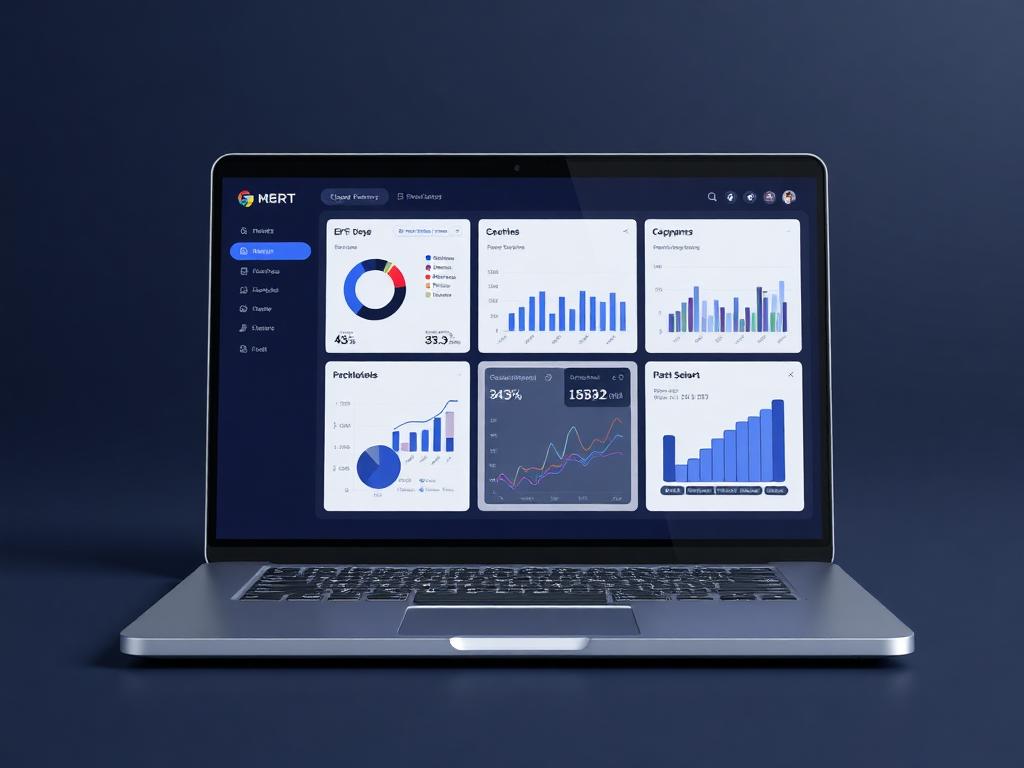
Project workspace
File active
Live business context
Run project files, legal matters and operational workspaces with entity ownership, responsible persons, scoped documents, progress updates, sub-files and billing built in.
Why it matters
Every active file gets a clear owner, history and billing trail.
Project Management in Ofisync is built around the active work file. For a law firm, that file may be a matter. For another team, it may be a delivery project, supplier assignment, customer request or internal case. The record carries the owner entity, responsible person, progress history, documents, notes, sub-files, workflow activity and billing trail in one place.
Give every active file a clear owner, responsible person, workflow position and searchable operating history.
Let teams shape their project register so the table shows the exact fields and column order they work from daily.
Keep billables, billing documents, documents and updates tied to the file that created them.
Guided workflow
From setup to daily execution.
Open the work file
Create or import a project, file or matter, assign its owning entity and responsible person, then apply the numbering format, branch, type, tags and workflow used by that team.
Maintain the file record
Capture progress updates, notes, events and documents inside the file itself. When the work needs a separate track, create a sub-file that carries its own activity and audit history.
Bill from the source
Record billables against the active file and generate quotations, invoices, credit notes and receipts without separating finance from the work record.
File lifecycle fit
Built around how files, matters and projects actually move.
A matter is opened for a client, a supplier issue becomes an internal project, or a customer request turns into a tracked file. The team needs to know who owns the work, who is responsible, what stage it is in, which documents belong to it, what has changed, what can be billed and which sub-files are linked to the same larger assignment.
How Project Management works in practice.
Scenario 1
A new file starts with the work, not just the client
The user opens a project, file or matter and links it to the entity that owns the work. That owner may be a client, but it can also be a supplier, user, contact, customer or another configured entity. The record starts with the business relationship that actually created the work.
Scenario 2
The file receives its operating identity
Ofisync applies the defined numbering format and lets the user assign the responsible person, branch, project or file type, tags and status. For a law firm, this can become the matter number and responsible lawyer. For another team, it can be the project reference and assigned lead.
Scenario 3
Old project registers can move in through bulk import
When the team already has projects or matters in spreadsheets or another system, authorized users can import them in bulk. The import can map owner entities, responsible people, statuses, file types, tags, branches and custom fields into the Ofisync structure.
Scenario 4
The register view becomes personal to the work
Users can choose which fields appear in the project table and where each column sits. A matter team may put matter number, responsible lawyer and file type first. An operations team may prefer branch, owner, status, added by and current workflow stage.
Scenario 5
Workflow turns the file into an active process
The project follows the workflow the organization has defined for that kind of work. Stages can reflect intake, review, approval, execution, billing or closure, and the workflow can be adjusted when the real process changes.
Scenario 6
Progress updates create the live file history
Team members can add progress updates as work moves forward. Notes hold comments and attachments together, documents are managed inside the exact file, events stay associated with the project, and audit logs preserve the record of important activity.
Scenario 7
Large files can break into sub-files
When one project has a related workstream that needs its own handling, the user can create a sub-project or sub-file. The child file can have its own responsible person, workflow, updates, documents, notes and audit logs while remaining connected to the parent.
Scenario 8
Search works like a file room index
Users can find work by responsible person, added by, status, file type, branch, tags and owning client or entity. This keeps the project register useful even when the organization has many active files across different teams.
Scenario 9
Billing is attached to the exact file that earned it
Billables can be captured against the project and used to generate quotations, invoices, credit notes and receipts. Finance can trace each billing document back to the project or matter, while the project team can see the financial activity without leaving the file.
Project file scenarios
Where the project record becomes the source of truth.
File scenario 1
Matter register for law firms
A firm can open a matter, assign the responsible lawyer, link the client, track matter type and status, manage scoped documents, add updates and bill against the same file.
File scenario 2
Entity-owned work files
A project can be owned by a client, supplier, user, contact, customer or another configured entity, while still using the same workflow, responsible-person assignment, documents and audit trail.
File scenario 3
Work file to billing trail
Billables can be captured from the project file and converted into quotations, invoices, credit notes and receipts with the source file still visible.
Inside the file workspace
Focused views for people responsible for active files.
The workspace is organized around file ownership, responsible users, current stage, scoped records and billing activity, so every team can see the state of the work without piecing it together manually.
File owners
Responsible person, workflow stage, file status, progress updates and pending actions
Legal teams
Matter numbers, responsible lawyers, clients, scoped documents, events, notes and audit trail
Finance teams
Billables, quotations, invoices, credit notes, receipts and billing documents tied to the file
File contents
What stays attached to the work file
File movement
Actions Ofisync can prepare from file activity
File view
File register
Review active projects, files and matters by responsible person, owning entity, status, branch, file type, tag, added by and configured table fields.
File view
File history
Follow progress updates, notes, attachments, scoped documents, events, sub-files and audit logs from the project workspace.
File view
Billing trace
Connect billables, quotations, invoices, receipts and credit notes to the file or matter that produced the charge.
Connected file modules
Modules that extend the project file.
Client Management
Create flexible client records with custom fields, workflows, access rules, documents, events, notes, audit logs, projects and billing context in one place.
Workflow Automation
Create entity-specific workflows with titles, descriptions, start and end states, stages, decisions, assigned users, notifications, graphical editing, duplication and disabling.
Notifications
Define Email, SMS, WhatsApp and On Screen notification channels, configure company-wide and personal preferences, send memos, and let users act directly from actionable notifications.
Ready to see it live?
Walk through Project Management with an Ofisync specialist.
We will map the demo around your business workflow, show the connected modules and help you identify the fastest path to rollout.