

Client Portal
Client collaboration without exposing the back office
Give clients a branded, access-scoped portal for documents, invoices, approvals, project updates, requests and shared activity without exposing internal workspaces.
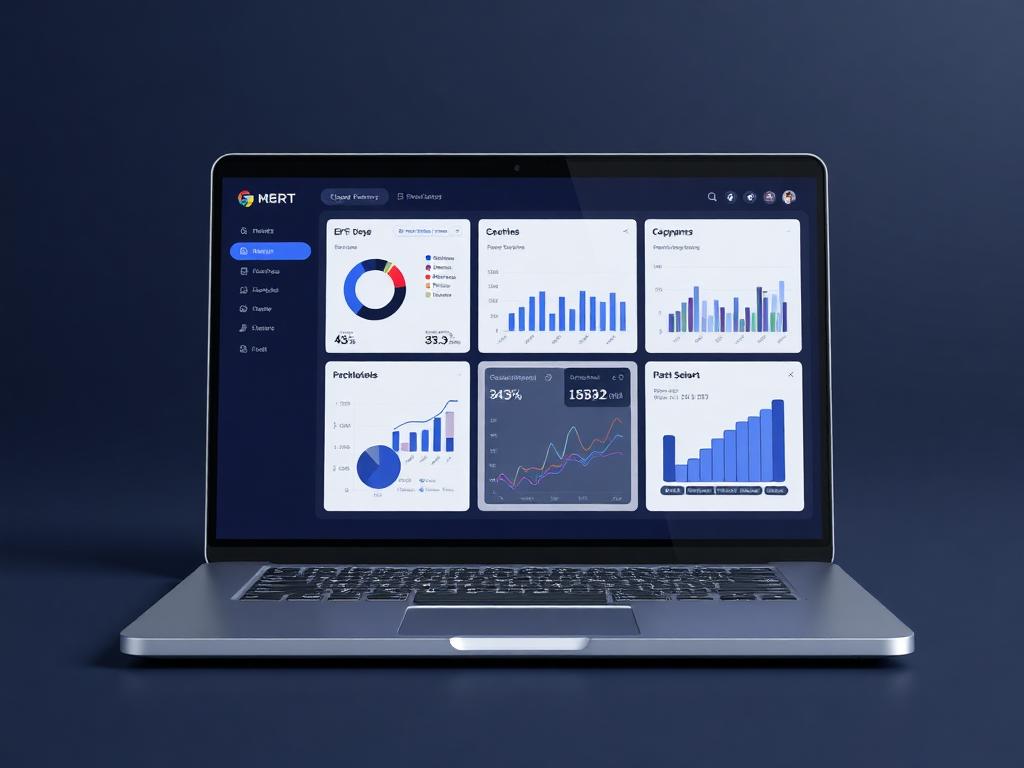
Client portal
Client workspace prepared
Live business context
Give clients a branded, access-scoped portal for documents, invoices, approvals, project updates, requests and shared activity without exposing internal workspaces.
Why it matters
Built to make the next step obvious.
The Client Portal is planned as the controlled front door for external collaboration. Teams can share only the documents, invoices, updates and requests that belong in the client view, while internal notes, workflows and operational records remain private.
Move client communication away from scattered email threads into a governed workspace.
Share the right billing, document and project context without exposing internal operations.
Track client approvals, comments and requests against the source record.
Portal
Branded
Client actions
Tracked
Visibility
Scoped
Guided workflow
From setup to daily execution.
Invite the client
Create a portal user with access only to the client records, documents, invoices and projects they should see.
Share the right work
Publish selected updates, files, billing records, approvals and request forms while internal notes and operations remain private.
Track every action
Capture client views, comments, approvals and submissions as part of the main activity history.
Real workflow fit
Built around the moments your team already deals with.
Client Portal matters most when teams need one place to see context, ownership, approvals and status without chasing updates across disconnected tools.
Everyday use cases
Where Client Portal becomes useful fast.
Use case 1
Invite the client
Create a portal user with access only to the client records, documents, invoices and projects they should see.
Use case 2
Share the right work
Publish selected updates, files, billing records, approvals and request forms while internal notes and operations remain private.
Use case 3
Track every action
Capture client views, comments, approvals and submissions as part of the main activity history.
Inside the workspace
Clear views for the people who depend on Client Portal.
Each page is shaped around real operational responsibility: what people need to see, what records must stay connected, and what decisions should happen without waiting for another spreadsheet.
Managers
Client Portal status, ownership, exceptions and approvals
Team members
Assigned work, required actions, related records and updates
Leadership
Performance, risk, capacity and cross-module impact
Records kept together
What the module tracks
Useful automation
Actions Ofisync can help move forward
Report
Client Portal overview
Track status, owners, pending work, exceptions and outcomes for client portal.
Report
Operational exceptions
Surface overdue actions, blocked records, approval delays and items that need management attention.
Connected modules
Explore what works with Client Portal.
Client Management
Create flexible client records with custom fields, workflows, access rules, documents, events, notes, audit logs, projects and billing context in one place.
Document Management
Upload DOC, DOCX or HTML templates with placeholders, answer the required parameters, preview the result and generate controlled documents without starting from scratch.
Billing Suite
Create numbered billing documents with custom document types, entity ownership, automated addresses, templates, multi-currency values, workflows, notes, credentials and linked document progression.
Ready to see it live?
Walk through Client Portal with an Ofisync specialist.
We will map the demo around your business workflow, show the connected modules and help you identify the fastest path to rollout.