
Customer Support
Support tickets connected to customer history
Handle tickets, service requests, SLAs, escalations, knowledge base articles and customer communication tied to client, project and billing history.
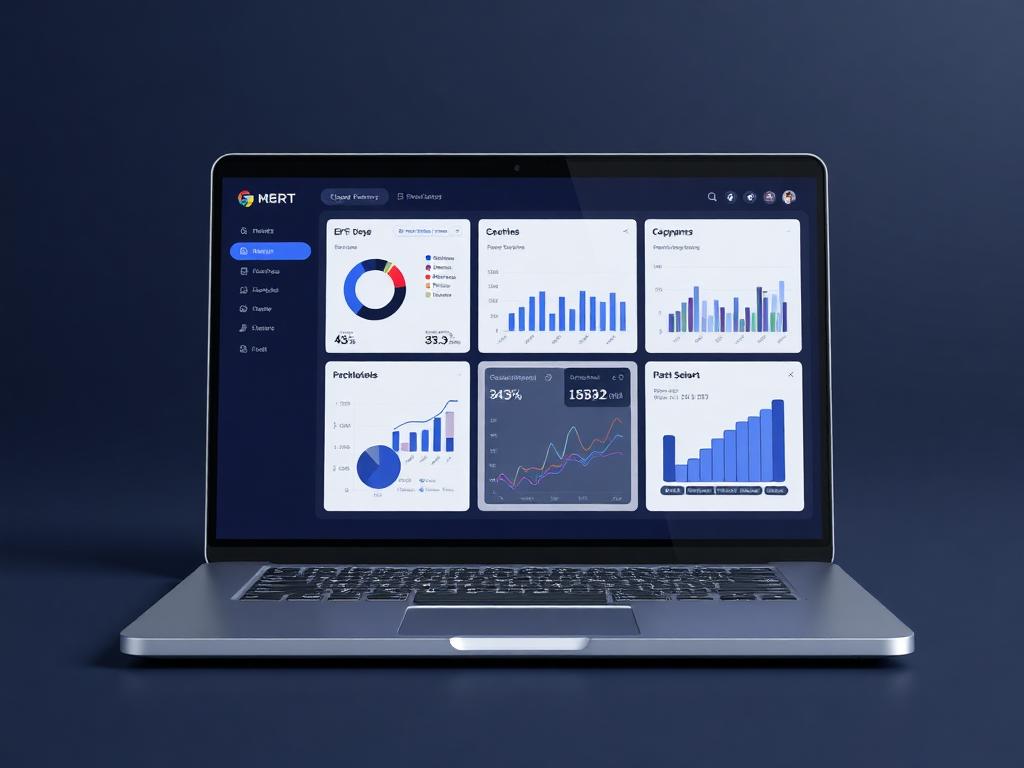
Support queue
Ticket in progress
Live business context
Handle tickets, service requests, SLAs, escalations, knowledge base articles and customer communication tied to client, project and billing history.
Why it matters
Built to make the next step obvious.
Customer Support is planned to make service work part of the same customer record. Support teams can see relationship context, related documents, billing history, previous issues and internal ownership before responding.
Resolve issues with client, project, document and billing context visible.
Keep SLA commitments measurable, escalated and owned.
Turn repeated issues into reusable knowledge base content and saved responses.
SLAs
Measured
Tickets
Contextual
Knowledge
Reusable
Guided workflow
From setup to daily execution.
Capture the request
Create tickets from portal submissions, internal notes, linked client records or support requests.
Work the issue
Assign owners, track SLA timers, add files, escalate blockers and keep customers updated from the same record.
Learn from patterns
Report recurring issues, resolution time, SLA health and customer risk by account or issue type.
Real workflow fit
Built around the moments your team already deals with.
Customer Support matters most when teams need one place to see context, ownership, approvals and status without chasing updates across disconnected tools.
Everyday use cases
Where Customer Support becomes useful fast.
Use case 1
Capture the request
Create tickets from portal submissions, internal notes, linked client records or support requests.
Use case 2
Work the issue
Assign owners, track SLA timers, add files, escalate blockers and keep customers updated from the same record.
Use case 3
Learn from patterns
Report recurring issues, resolution time, SLA health and customer risk by account or issue type.
Inside the workspace
Clear views for the people who depend on Customer Support.
Each page is shaped around real operational responsibility: what people need to see, what records must stay connected, and what decisions should happen without waiting for another spreadsheet.
Managers
Customer Support status, ownership, exceptions and approvals
Team members
Assigned work, required actions, related records and updates
Leadership
Performance, risk, capacity and cross-module impact
Records kept together
What the module tracks
Useful automation
Actions Ofisync can help move forward
Report
Customer Support overview
Track status, owners, pending work, exceptions and outcomes for customer support.
Report
Operational exceptions
Surface overdue actions, blocked records, approval delays and items that need management attention.
Connected modules
Explore what works with Customer Support.
Client Management
Create flexible client records with custom fields, workflows, access rules, documents, events, notes, audit logs, projects and billing context in one place.
Document Management
Upload DOC, DOCX or HTML templates with placeholders, answer the required parameters, preview the result and generate controlled documents without starting from scratch.
Notifications
Define Email, SMS, WhatsApp and On Screen notification channels, configure company-wide and personal preferences, send memos, and let users act directly from actionable notifications.
Ready to see it live?
Walk through Customer Support with an Ofisync specialist.
We will map the demo around your business workflow, show the connected modules and help you identify the fastest path to rollout.